

Personal brands are everywhere in 2026: doctors with their own clinics, photographers, coaches, bakers and creators. A signature font is the fastest way to make a name feel like a person instead of a company.
Where signature fonts shine
- Your name as a logo — short, recognisable, personal.
- Thank-you cards, stickers and packaging notes.
- Watermarks on photography and videos.
- One-word accents in social posts: “new”, “sale”, “love”.
Five rules for using them well
- Keep it short. One to three words. Signatures become hard to read in sentences.
- Give it space. Signatures have big loops and tails — leave room around them.
- Pair it with a clean sans. Put your service or job title underneath in a simple sans like Kalpatrie or Angsert.
- Check the small size. Look at your logo at profile-picture size. If the letters blur together, choose a cleaner signature.
- Type your real name before you buy — every signature behaves differently with your letters.
Type your name and compare
The fastest way to choose is to see your own name. Type it below and look at it at both sizes — big for your website header, and “phone size” for how it will look as an Instagram profile picture.
-
Nadia Putri
-
Nadia Putri
-
Nadia Putri
-
Nadia Putri
-
Nadia Putri
How creators actually use their signature
- Photographers use it as a watermark — small, in white, at the corner of every photo.
- Coaches and consultants sign off carousels and slides with it, like signing a letter.
- Clinic founders put it under the logo: “by dr. Sari”.
- Makers and bakers print it on stickers and thank-you cards that go in every order.
Make it look like your own handwriting
Signature fonts come with alternate letters. Try the different versions of the first and last letters of your name in the type tester on the font page, and pick the ones that feel most like you. Then export your name once as a vector file and use that file everywhere — it will look identical on your website, cards and videos.
Pair it with something calm
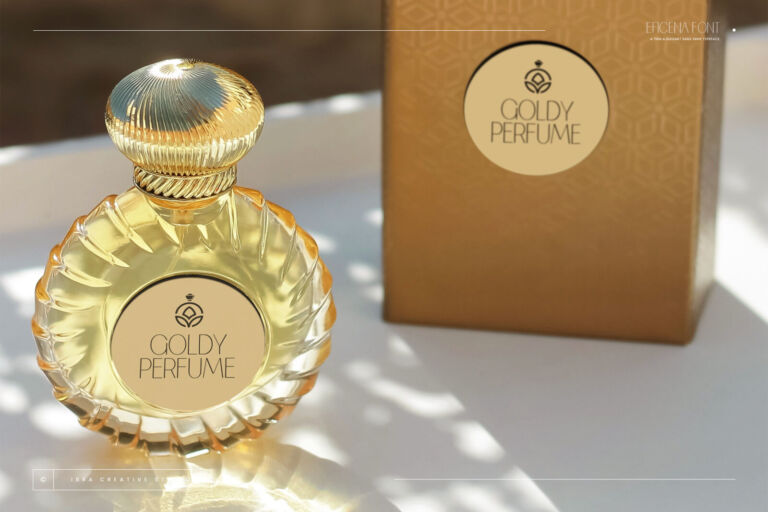
A signature needs a quiet partner. A thin sans such as Eficena or an elegant serif such as Endaley lets the signature be the star while your job title, services and contact details stay easy to read.
Signatures with different personalities
- Reideva — modern and confident.
- Dihyani — elegant, perfect on dark, premium packaging.
- Medhivas — relaxed and friendly.
- Gundik and Esmelora — calligraphic, great for weddings and fashion.
- Amandave Signature — stylish and luxurious.
Every font page has a live tester: type your name and compare. Or browse all signature fonts — the shop can preview your name on every card at once.