

We love script fonts. They’re also the font style we see used badly most often. A curly logo that looked gorgeous on a laptop becomes an unreadable squiggle on an Instagram profile picture, a delivery app or a receipt.
The fix isn’t to avoid scripts — it’s to test them the way people will actually see them. Type your name, then tap Phone size:
Tap “Phone size” to see them small
-
Bella Studio
-
Bella Studio
-
Bella Studio
-
Bella Studio
-
Bella Studio
-
Bella Studio
Notice how some stay clear and others turn into a single line? That difference comes down to four things.
1. Open letter shapes
When the inside of an “e”, “a” or “o” is open, your eye recognises the letter instantly. Very tight loops close up when small.
2. A decent x-height
The x-height is how tall the small letters are compared to the capitals. Scripts with tiny lowercase letters and huge capitals look elegant big and vanish small. Little Nima keeps its lowercase readable.
3. Even stroke weight
Monoline scripts — where the line has the same thickness everywhere — survive small sizes and cheap printing much better. Dialeksa is a great example.
4. Restraint with swashes
Swashes are wonderful on a wedding invitation headline. On a price list they’re noise. Use alternates on the first or last letter only.
Rules we follow in the studio
- Never set a script in ALL CAPS. Script capitals are designed to start words, not to stand together.
- Keep it short. One to three words. Anything people need to read — addresses, menus, terms — goes in a sans or serif.
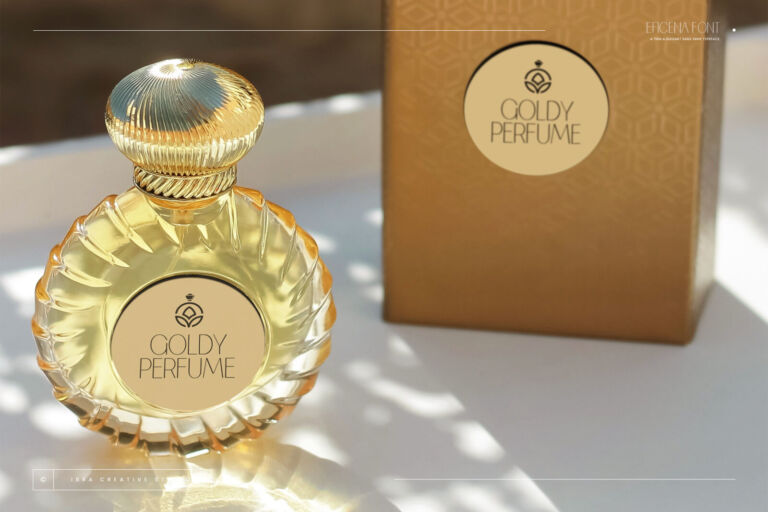
- Add contrast. Pair the script with a clean font underneath, like our Eficena.
- Test at 40 pixels — the size of a profile picture — before you commit to a logo.
Want to try any script with your own text? Every font page has a type tester with a Sizes view that shows your words from tiny to huge in one go.