

A signature font turns a name into a personality. It is why photographers sign their photos, why clinic founders put their name under the logo, and why small brands feel like they were made by a real person. This guide covers everything about signature fonts: how to choose one, how to make it look like your own handwriting, and how to use it across your brand.
What makes a font a “signature” font?
Signature fonts are scripts designed to look like a quick, confident handwritten signature. Compared with formal calligraphy, the strokes are faster and more natural, letters vary in height, and the first and last letters often have long swashes. Most signature fonts come with alternate letters so you can shape your name.
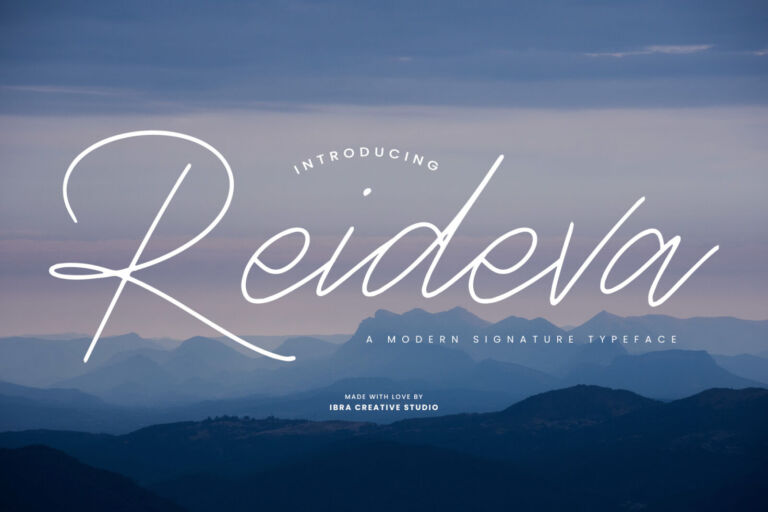 ReidevaA Modern Signature Typeface
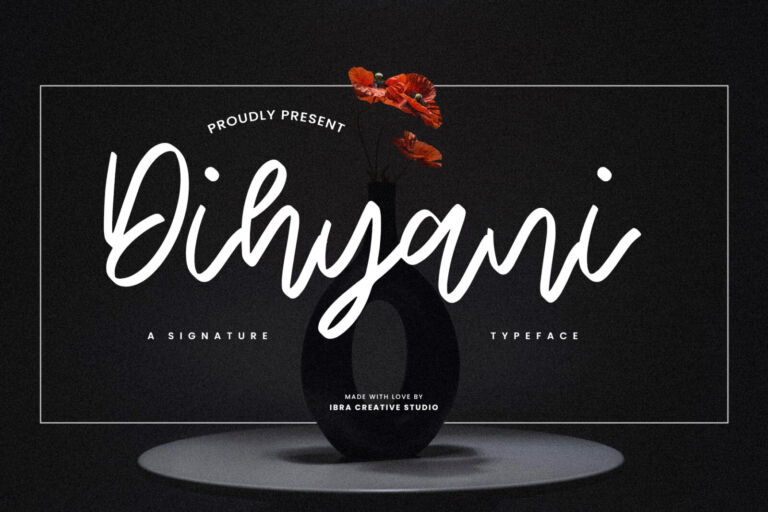 DihyaniA Signature Typeface
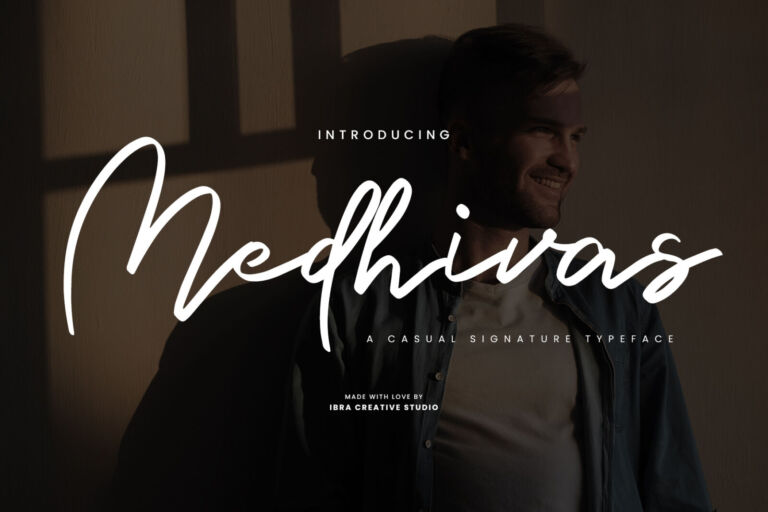 MedhivasA Casual Signature Typeface
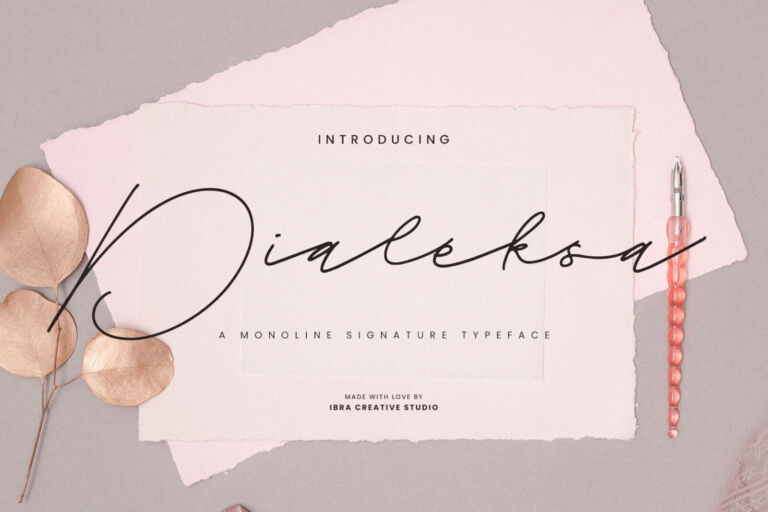 DialeksaA Monoline Signature Typeface
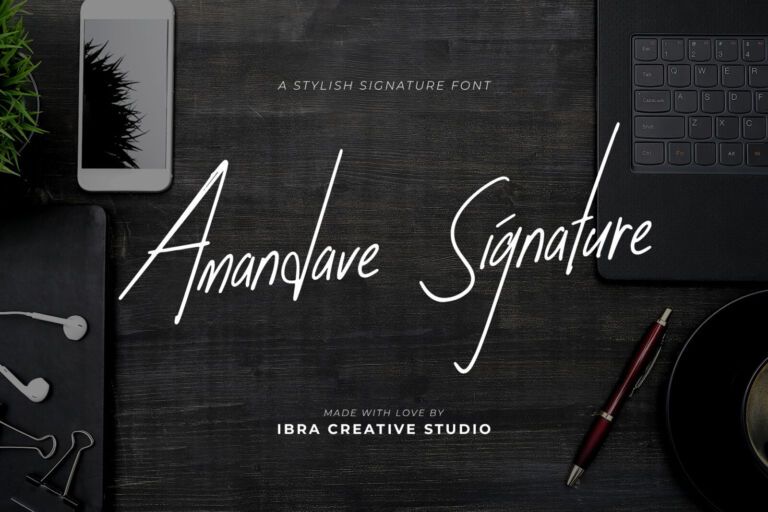 Amandave SignatureStylish Signature Font
 GundikA Modern Signature Typeface
Type your name
-
Your Name
-
Your Name
-
Your Name
-
Your Name
-
Your Name
Who uses signature fonts — and how
- Personal brands and creators — the name as a logo on websites, slides and videos. See signature fonts for personal branding.
- Photographers and videographers — a small white watermark on every image.
- Clinics and beauty brands — “by dr. Sari” under a serif logo. See fonts for beauty brands.
- Fashion labels and boutiques — swing tags, shopping bags and thank-you cards.
- Weddings — the couple’s names on invitations and signs. See wedding invitation fonts.
- Makers and small shops — stickers and notes in every order.
How to choose the right signature
Match the personality
Tidy, controlled signatures feel trustworthy (doctors, consultants). Fast, energetic ones feel creative (photographers, coaches). Calligraphic swashes feel elegant (weddings, fashion). Rounded, relaxed strokes feel friendly (bakers, makers).
Check readability with your letters
Some names look beautiful in one signature and confusing in another. Look out for letters that blend together — m, n, u and w are common troublemakers — and check that the first letter of your name is clear.
Test the smallest size first
Your signature will often appear at profile-picture size or as a small watermark. If it survives at 40 px wide, it will look great everywhere else.
Make it your own
- Try the alternate versions of the first and last letters.
- Adjust spacing where letters don’t connect smoothly.
- Add or remove a swash under the name.
- Convert the final version to vector outlines and save it as SVG and PNG in black, white and your brand colour.
Signature font mistakes to avoid
- Using it for everything. A signature is an accent. Headlines, prices and details belong in your partner font.
- Skipping the vector step. Re-typing your name each time gives slightly different results. Save one final version and reuse it.
- Thin strokes on photos. Watermarks with hairline strokes vanish on bright areas. Choose a sturdier signature or add a subtle shadow.
- Forgetting the license. A personal-use download is fine for testing, but a business watermark or logo needs a paid license.
Signature fonts on social media
Social media is where most people will see your signature. Use it to sign off carousels, as a small corner mark on Reels covers, in highlight covers and as your profile picture if your name is your brand. Keep the size consistent from post to post — consistency is what makes a signature recognisable.
Signature fonts for Indonesian names
Long or compound names such as “Putri Ayu Lestari” need a signature with an even rhythm, so the name doesn’t become a single tangle. Try your full name and a shorter version (first name only, or initials plus surname) — many personal brands use the short version as the logo and the full name in details. Read our Indonesian guide, font tanda tangan untuk personal branding, for local examples.
What to pair with a signature font
Signatures need a quiet partner. A thin sans such as Eficena or Kalpatrie, or an elegant serif such as Endaley, keeps your job title and details easy to read. More combinations in our font pairing guide.
Licensing signature fonts
If your name in a signature font becomes your logo, choose the Logo License. Watermarks, social posts and thank-you cards for a business are covered by the Desktop License. For more cases, see font licenses explained.
More guides about signatures and scripts

How to Use a Signature Font for Your Personal Brand (Without Looking Generic)
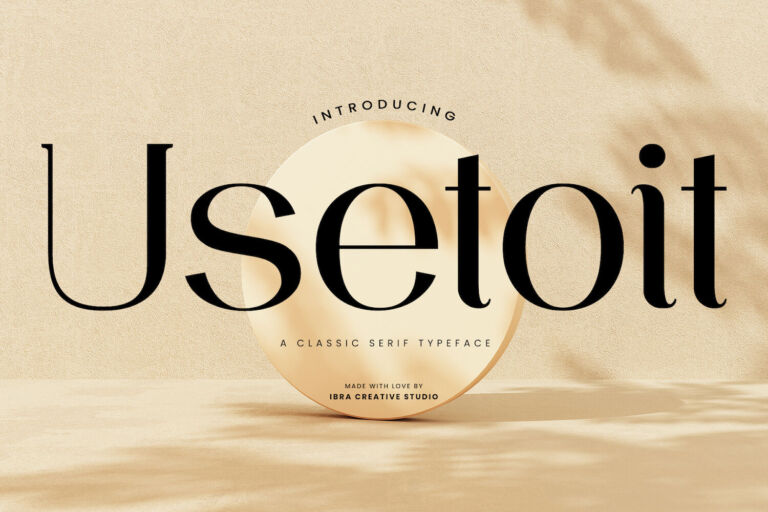
How to Choose a Logo Font That Still Works in 10 Years
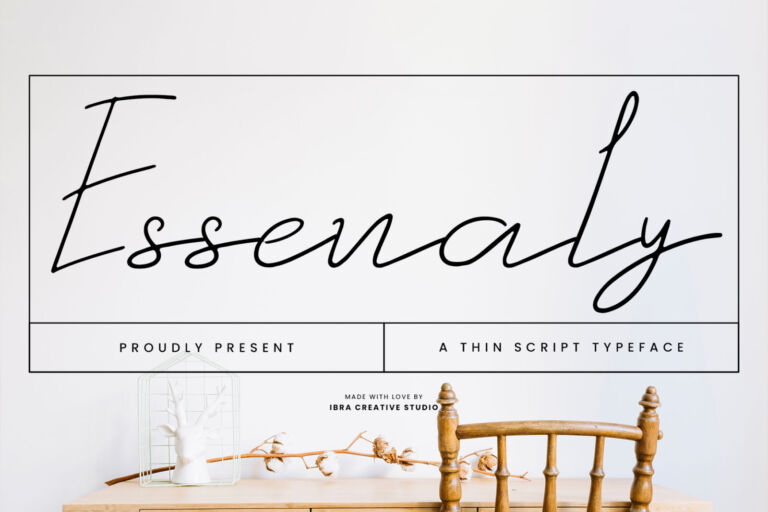
Beautiful but Unreadable? How to Choose a Script Font People Can Actually Read
Font Tanda Tangan (Signature) untuk Logo & Personal Branding: Pilihan dan Cara Pakainya

The Best Fonts for Beauty, Skincare and Aesthetic Clinic Brands in 2026
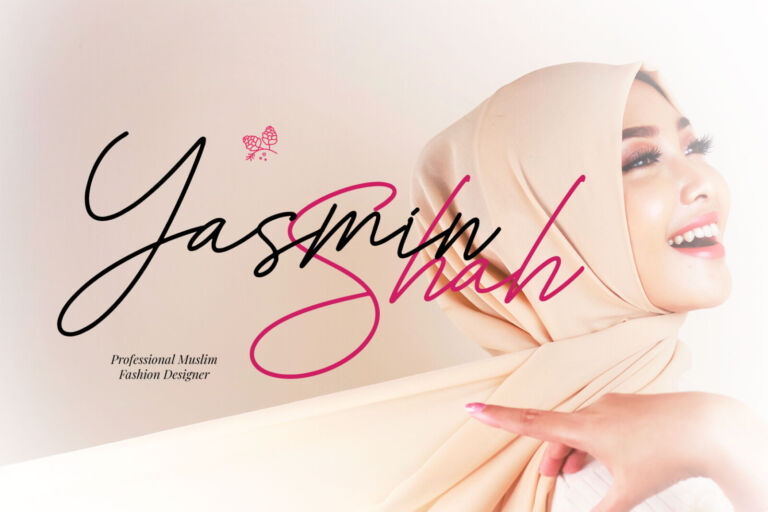
Wedding Invitation Fonts: Script and Serif Pairings for Every Style
Browse all signature fonts, or read our complete guide to script fonts.
Frequently asked questions
What is a signature font?
A signature font is a script designed to look like a real, quick handwritten signature, with natural strokes, varied letter heights and swashes.
Can I use a signature font as a logo?
Yes. Many personal brands use their name in a signature font as their logo. Convert it to a vector file and use the Logo License.
How do I make a signature font look like my handwriting?
Use the alternate letters, adjust the spacing, add or remove swashes, then save the final version as a vector file so it looks the same everywhere.
What font goes with a signature font?
A thin, calm sans serif or an elegant serif. Let the signature be the only decorative font in the design.
Are signature fonts readable at small sizes?
Some are and some aren’t. Choose one with fewer hairline strokes and clear first letters, and test it at profile-picture size before deciding.